Apply a preset to a folder of photos
Render every image in a directory through one preset, in parallel.
Prerequisites
- A folder of input images.
- A
.tomlpreset.
Steps
agx batch-apply \
  --preset example/presets/golden-hour.toml \
  --input-dir example/images \
  --output-dir /tmp/golden-hour-out
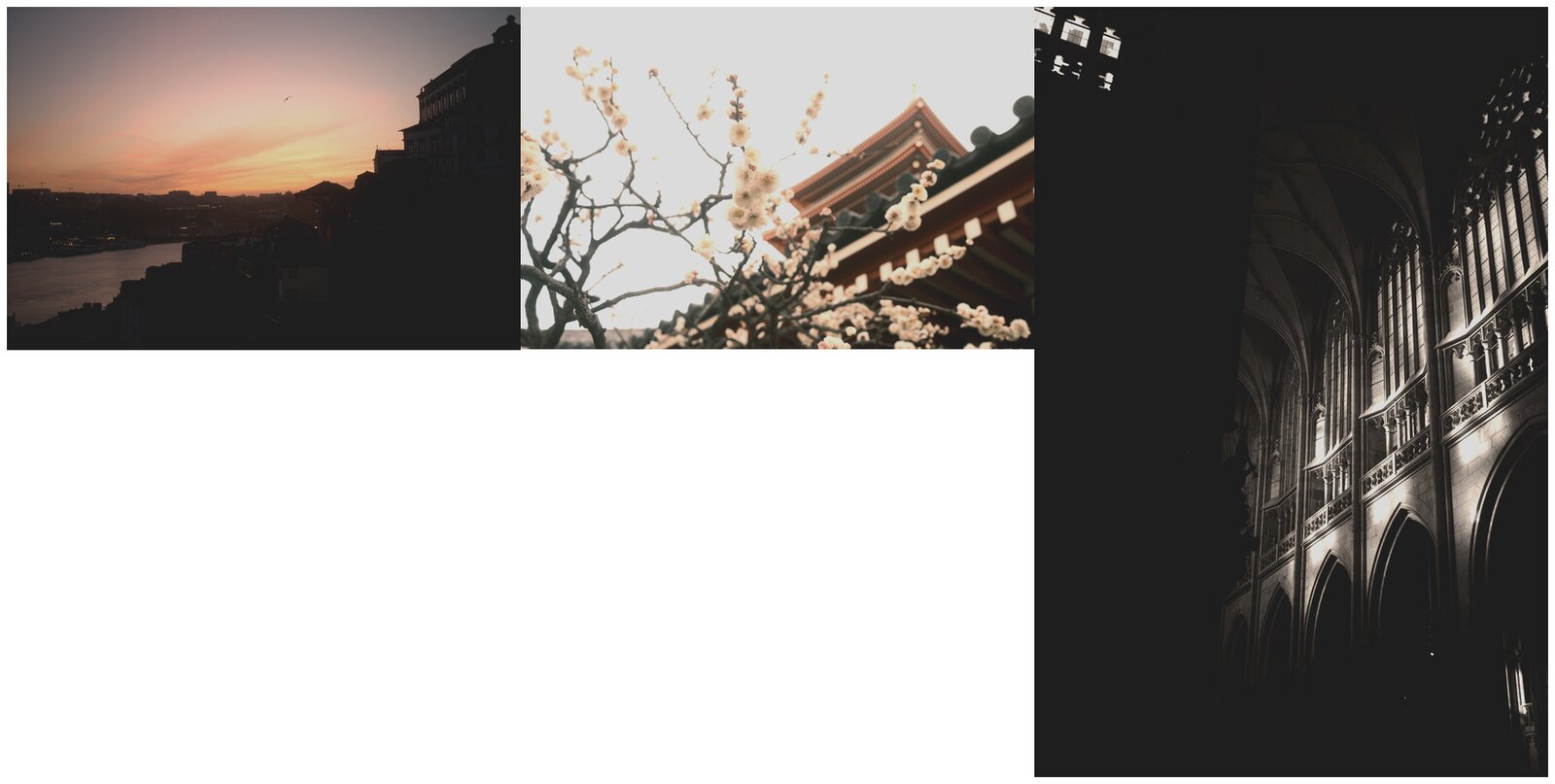
AgX walks the input directory, decodes each image, applies the preset, and writes the result into the output directory using the original filename (with the original extension preserved by default).
Variations
Recurse into sub-directories:
agx batch-apply \
  --preset example/presets/golden-hour.toml \
  --input-dir example/images \
  --output-dir /tmp/golden-hour-out \
  --recursive
Append a suffix to the output filenames so they don't collide if you ever decide to write outputs back into the input directory:
agx batch-apply \
  --preset example/presets/golden-hour.toml \
  --input-dir example/images \
  --output-dir /tmp/golden-hour-out \
  --suffix _golden
Cap the number of parallel workers (default uses every core):
agx batch-apply \
  --preset example/presets/golden-hour.toml \
  --input-dir example/images \
  --output-dir /tmp/golden-hour-out \
  --jobs 4
Skip files that fail to decode instead of aborting the whole run:
agx batch-apply \
  --preset example/presets/golden-hour.toml \
  --input-dir example/images \
  --output-dir /tmp/golden-hour-out \
  --skip-errors
See also
- Compare looks side-by-side — render one image through several presets.
- Compose layered looks — combine presets in one render.
- CLI reference